

WP PowerSuite Review: Is This Modular WordPress Plugin Worth It?
A WordPress site can collect plugins one small decision at a time. You add one for email, another for redirects, then a few more to tidy up the dashboard. Each solves a problem. Eventually, though, someone has to keep track of them all.
WP PowerSuite is aimed at that situation. It brings everyday tools into a shared dashboard, with a free base plugin and an optional Pro add-on. Our take: it’s worth a look if maintaining those separate utilities has become a chore. The appeal is easier administration; whether it also saves money or improves performance depends on what you’re replacing.
About this review: we researched the public documentation and WordPress.org listing on 20 October 2026. We haven’t installed or benchmarked WP PowerSuite, so this is a documentation-based assessment, not a hands-on test of speed, reliability or support.
What is WP PowerSuite?
WP PowerSuite at a glance
| Question | Short answer |
|---|---|
| What kind of product is it? | A modular toolkit for WordPress administration and site functions. |
| Is there a free version? | Yes. The directory package lists 90 free modules. |
| How does Pro work? | A separate add-on extends the free plugin; keep both active. |
| Who should shortlist it? | Site owners, freelancers and agencies consolidating routine utilities. |
| What is the main trade-off? | Less configuration spread, but more functions depend on one product family. |
| Does it guarantee better speed? | No. The outcome needs measurement on your own site. |
Free vs Pro: which WP PowerSuite modules do you need?
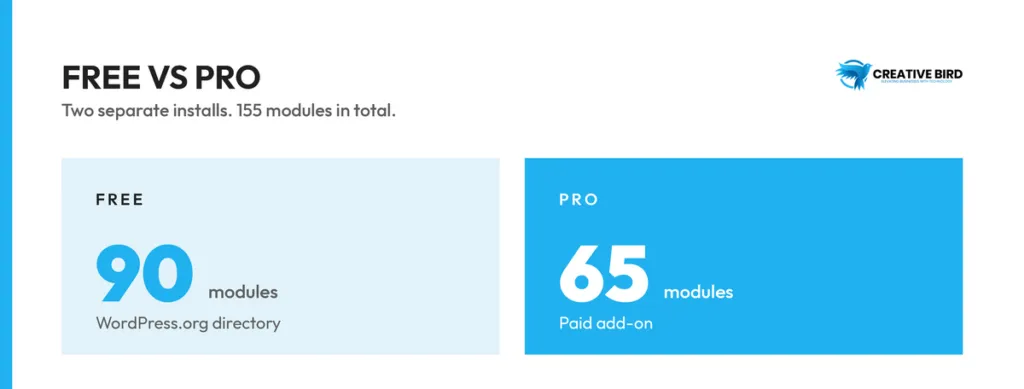
There’s a distinction worth clearing up before comparing features. The official documentation describes a free plugin and a separate paid extension. When the sales pages say all modules are included on every plan, they’re referring to paid plans. It doesn’t mean the entire library is free.
For a small brochure website, email delivery, a tidier admin screen and a few publishing shortcuts may cover most of the wish list. A client site with several editors or a busy store will need a closer look at access, recovery and reporting. Start there, then check which package covers the work.
| Area | Examples to investigate | Decision to make |
|---|---|---|
| Admin cleanup | Dashboard Columns, Show IDs, Custom Admin CSS; Pro Admin Columns Customizer | Will the client understand the interface more easily? |
| Login security | Pro Two-Factor Authentication, Limit Login Attempts and Change Login URL | Can users recover access, and does the setup fit existing protection? |
| Content structure | Pro Custom Fields and Custom Post Type Builder | Can the current content model be recreated without losing functionality? |
| SEO utilities | Breadcrumbs, Robots.txt Manager; Pro Redirect Manager and Broken Link Checker | Which tool should own each overlapping function? |
These examples come from the official module index. Availability can change, so confirm the exact module and installed version before committing to a migration.
Features that deserve a closer look
SMTP and email delivery
Backup and restore
Redirects and SEO maintenance
WebP conversion and media management
Forms and AI-assisted workflows
WP PowerSuite pricing: annual vs lifetime
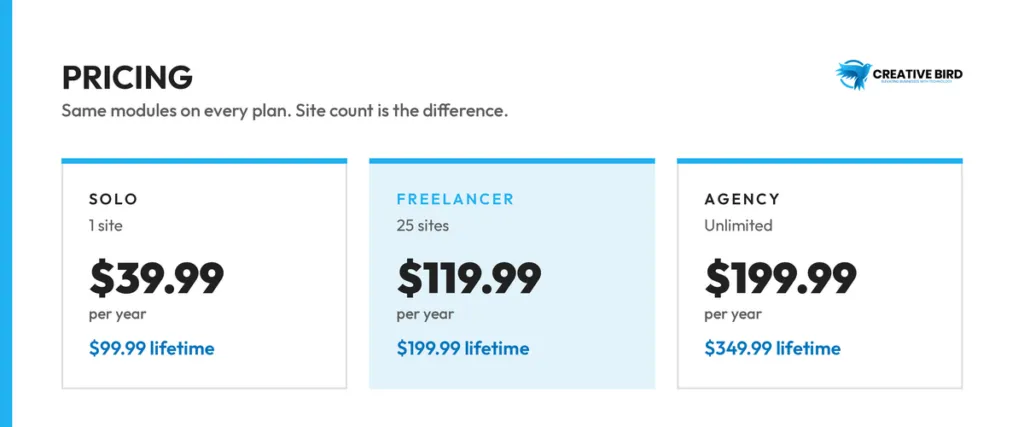
| Plan | Site allowance | Displayed annual offer | Displayed lifetime offer |
|---|---|---|---|
| Solo | 1 site | $39.99 | $99.99 |
| Freelancer | 25 sites | $119.99 | $199.99 |
| Agency | Unlimited sites | $199.99 | $349.99 |
How to calculate whether consolidation saves money
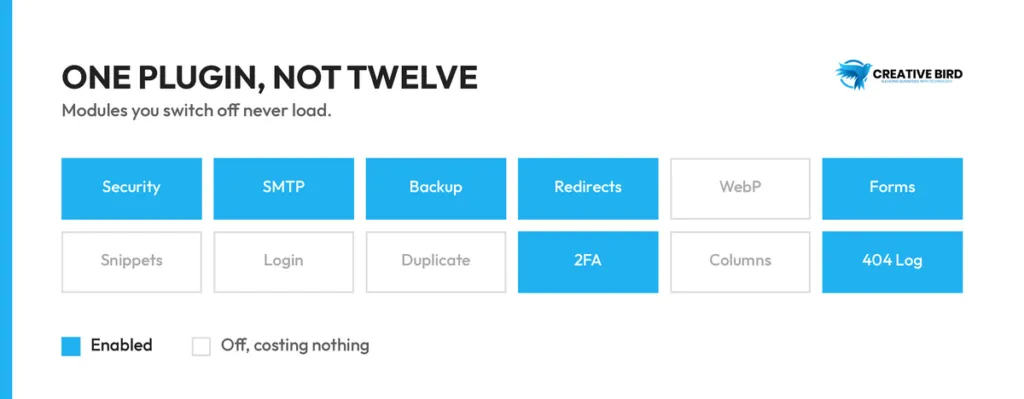
Does WP PowerSuite improve performance or reduce plugin bloat?
| Measure | What it helps you assess |
|---|---|
| Repeated page-load tests | Whether typical visitor pages improved under comparable conditions. |
| Database work and server response | Whether enabled functionality adds expensive processing. |
| CSS and JavaScript requests | Whether assets load on pages that do not need them. |
| Admin task completion | Whether publishing, editing and configuration feel simpler. |
| Background jobs | Whether backups, logs or conversion tasks create resource pressure. |
Security, compatibility and maintenance trade-offs
WP PowerSuite alternatives worth considering
| Approach | When to consider it | Trade-off to evaluate |
|---|---|---|
| WP PowerSuite | Several routine utilities could share one interface. | Migration effort, required integrations and shared dependency. |
| Another modular toolkit such as ASE | You want to compare similar administration workflows. | Exact module behavior and free/paid boundaries. |
| A selected specialist plugin stack | One or more functions have demanding requirements. | More separate settings and update relationships. |
| Your existing configuration | It is reliable, documented and economical. | Whether consolidation offers enough benefit to justify change. |
How to install and evaluate WP PowerSuite safely
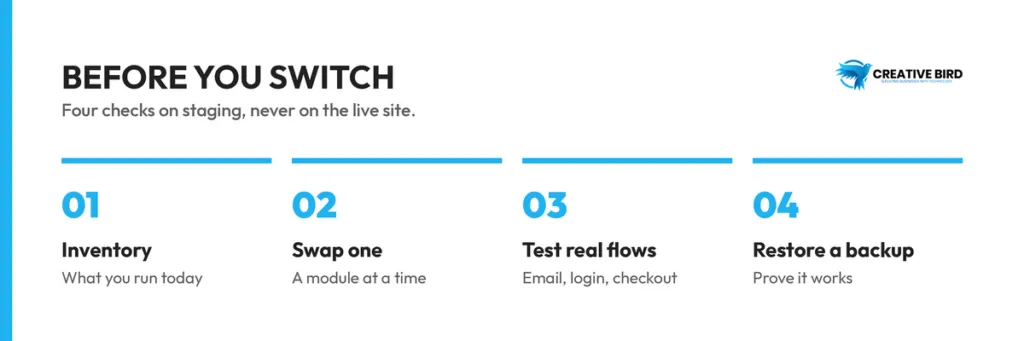
Pros and cons of WP PowerSuite
| Potential advantages | Limitations and open questions |
|---|---|
| A broad free toolkit provides a starting point for evaluation. | Paid packaging and some public claims require careful checking. |
| A shared interface can simplify routine administration. | Moving working configurations consumes time and needs verification. |
| Selective modules support a focused setup. | Enabled features and the shared core still need performance testing. |
| Paid site allowances may suit freelancers and agencies. | White-label eligibility is inconsistent across public pages. |
| Several utility categories can share a product family. | Specialist requirements and independent off-site recovery remain important. |
Frequently asked questions
Is WP PowerSuite free?
Yes, a free base plugin is available on WordPress.org. Its listing describes 90 free modules, with 65 more supplied through the separate paid Pro add-on. The free package is not a time-limited trial. Check the current directory listing.
Can WP PowerSuite replace all my WordPress plugins?
Probably not every one. It may cover several everyday utilities, but check the integrations and settings you actually use before removing an existing tool. Keep specialist plugins where they still do a job the suite can’t cover.
Is WP PowerSuite suitable for WooCommerce?
The vendor describes WooCommerce compatibility. Evaluate your own theme, checkout, payment extensions, customer accounts and transactional messages on staging. General compatibility language does not confirm that a particular store configuration has been tested. product compatibility FAQ.
Does WP PowerSuite replace an SEO plugin?
It offers SEO-related utilities, but do not assume it replaces your complete SEO workflow. Compare required controls individually and avoid duplicate ownership. The vendor itself identifies a full SEO suite with content analysis as a reason to retain specialist software. comparison guidance.
Are local backups enough?
Local snapshots are useful for some recoveries, but the backup module’s documentation explicitly calls for independent off-site protection against complete server or storage failure. Test restoration as part of any backup decision. backup guidance.
Should I buy the lifetime plan immediately?
Evaluate the free tools and required paid workflows first. A lifetime offer is worthwhile only if the product continues to fit your site and the purchase terms are acceptable. Compare total costs, including migration and external services, before choosing a term.